 |

View, edit, and convert chromatograms. Trim low quality ends automatically.

Program description
DNA Chromatogram Explorer Lite is a Windows Explorer clone dedicated to DNA sequence analysis and manipulation. You can view the chromatograms while browsing through folders
using its integrated file explorer. With a single click you can trim the low quality bases at the end of your samples.
The Lite version of Chromatogram Explorer is freeware.
How to use it
Exploring your samples
Start DNA Chromatogram Explorer and navigate to your DNA sample files (chromatograms).
All chromatograms in that folder will be displayed in the right panel (see picture below). SCF and ABI (ABI, AB, AB1, AB!) chromatogram files are supported. Low quality ends are shown in dark gray color. To view non-chromatogram files (FASTA, SEQ, TXT) just double click them.
Converting your samples
Press 'Convert' or 'Convert all' and your file will be saved as SCF or FASTA (as you choose).
Automatic end trimming
With DNA Chromatogram Explorer
you can automatically trim low quality ends of all chromatograms in a folder. Please see this short tutorial.
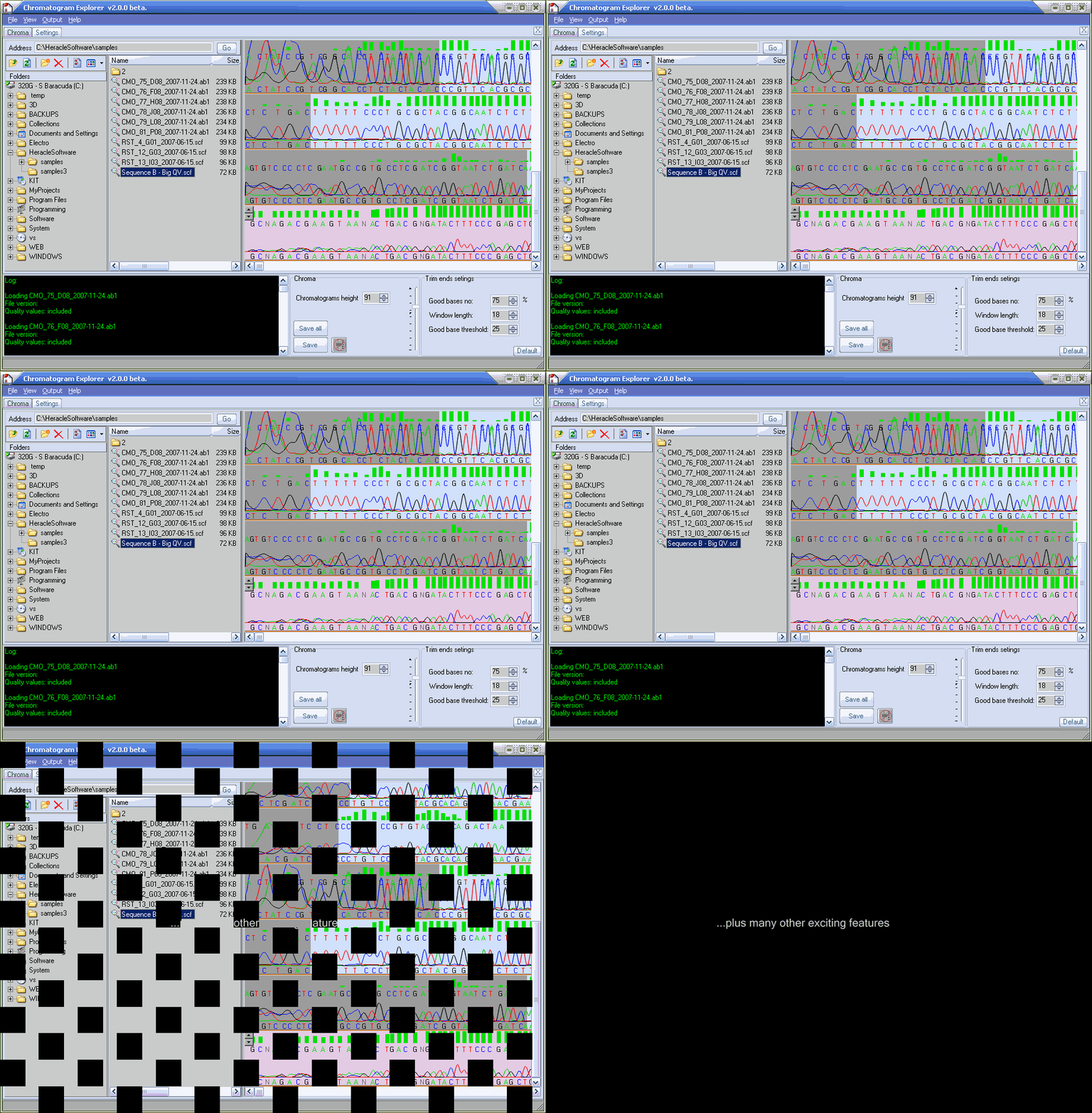
Animated presentation
How to install it
DNA Chromatogram Explorer is delivered in a small package together with other free molecular biology tools.
You don't need administrator rights in order to 'install' this package.
- Download the package
- Double click it to unpack it
- Specify the destination folder (where to unpack it)
- Go to the destination folder and double click the program you want to use
| Name |
Chromatogram Explorer Lite |
| Version |
3.2 |
| Package size |
~ 5 MB |
| Download time |
less than 12 seconds (for DSL) |

|
Uninstall
DNA Chromatogram Explorer installs zero files in your system. Therefore, you don't need to uninstall it. To uninstall the DNA Chromatogram Explorer, just delete it.
Portability
This software tool is really small so you can easily copy it on a floppy disk or USB flash stick and take it with you or send it to your colleagues via email.
System requirements
DNA Chromatogram Explorer can run on any version of Windows from Windows 98 to Windows 7 and also on Mac via Parallels or Bootcamp. It does not install additional libraries, updates, DLL, Java or registry keys
into your system.
Lite versus Pro
Feature |
Lite |
Pro |
Display sample's content as you browse through your folders |

|
|
Highlight low quality regions |
|
|
Manually trim low quality end |
|
|
Automatically trim low quality ends (batch) |
|
|
Convert between miscellaneous formats |
|
|
View FASTA, SEQ, TXT samples |
|
|
View SCF, ABI, AB, AB!, AB1 samples |
|
|
View sample's properties & statistics |
|
|
View confidence scores |
|
|
Extract bases from chromatograms (copy to clipboard) |
|
|
Perform file operations (copy/delete/move samples) |
|
|
Show all chromatogram files in a folder |
Limited |
|
Convert all samples in a folder |
Limited |
|
Double click a file to open it |

|
|
 Your feedback is important to us! Your feedback is important to us!
|
Similar bioinformatics tools included in this package
| Name |
|
Description |
|
DNA Sequence Assembler
|

|
DNA Baser is a tool for DNA sequence assembly, DNA sequence analysis, contig editing, and mutation detection.
It also offers a powerful chromatogram viewer/editor. |
|
GBK to FASTA converter
|

|
GenBank to FASTA is a freeware program will convert GenBank (gbk) file format to FASTA format. |
|
ABI to FASTA converter
|

|
ABI to FASTA Converter is a free tool will convert all (selected) ABI files to FASTA files. All you need to do is to locate your ABI chromatogram
files and press the CONVERT button.
|
|
Grid cell counter
|
 |
Gird cell counter will help you to count faster the cells shown on computer's screen by displaying a grid over your image. Freeware. |
|
Convertrix
|
 |
Convertrix is a molecular biology command line tool for converting between several popular DNA sample formats. It can automatically trim the untrusted regions (low quality bases)
at the end of samples. |
|
DNA Counter
|
|
DNA Counter shows the proportions between nucleotides in a DNA sequence (GC to AT ratio). |
|
Chromatogram Explorer
|

|
DNA Chromatogram Explorer is a Windows Explorer clone dedicated to DNA sequence analysis and manipulation. You can view the chromatograms while browsing through folders
using its integrated file explorer. With a single click you can trim the low quality bases at the end of your samples. |
|
Everything to FASTA converter
|

|
Everything to Fasta Converter converts the specified samples (SCF, ABI, FASTA, multiFasta, GBK, multiGBK, SEQ, TXT) to FASTA format. Starting with version 3.0 protein FASTA files are also supported. |
|
|






